


 Back to News
Phi Browser 2.0: Spaces, Profiles, and Room for Your Agents
Introducing Phi Browser 2.0, a major step forward for Phi as a browser built for humans and ready for agents: full Spaces and Profiles support, a smarter assistant, and a door beginning to open for your own agents.
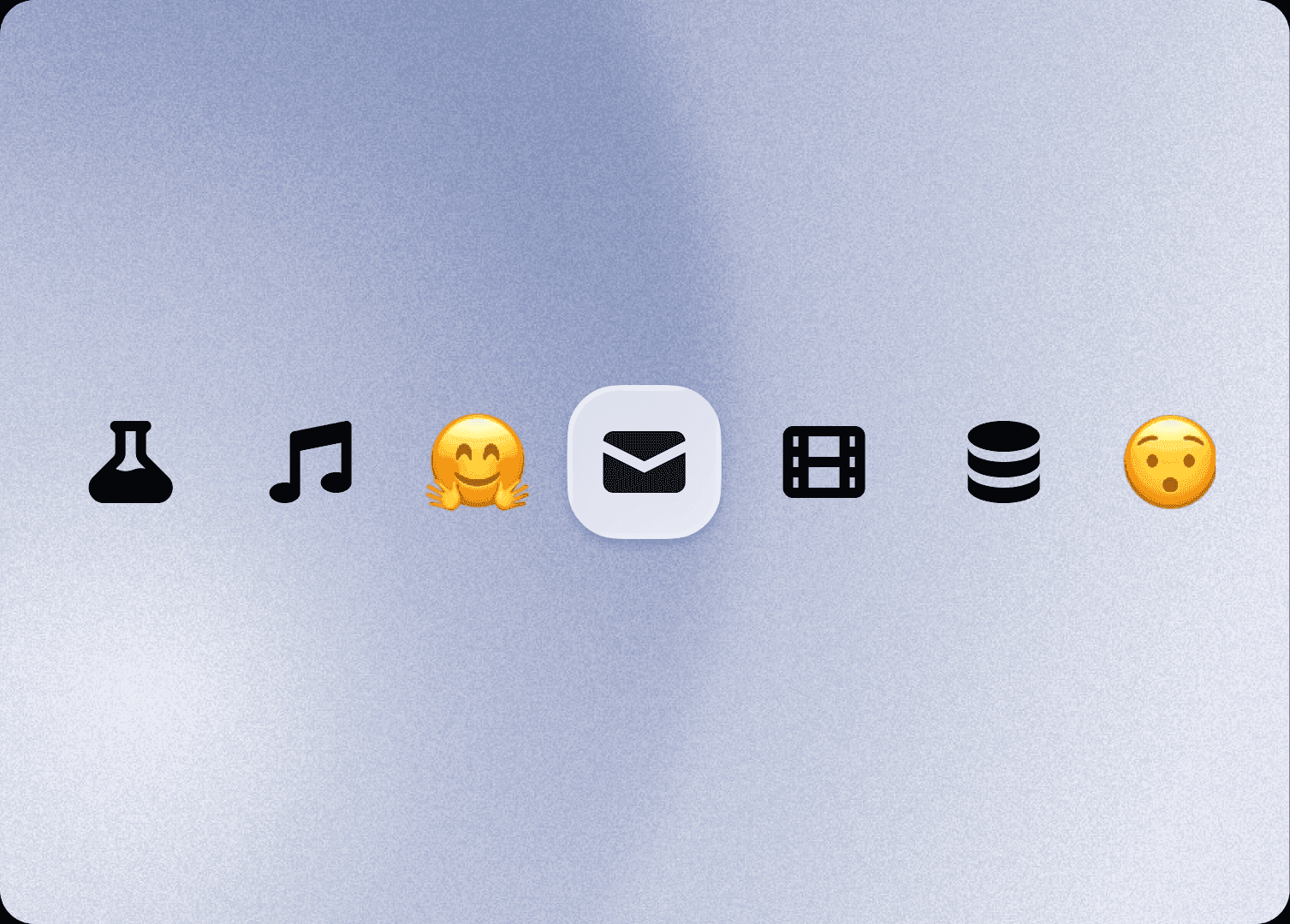
Phi Browser 2.0 is here. We launched v1 in April, and a dozen releases later, this is the one that earns the version bump. Phi has been built for humans and ready for agents from day one. The 2.0 era is where that second half starts to surface, as we welcome your agents into the pot and keep making our own more capable.
This release brings full Spaces and Profiles support, a smarter assistant with whole-browser awareness, an AI guardrail that now runs entirely on your Mac, a livelier way to see your memory, widgets ready for everyone, tidier tab management, and an open door for your other agents.
Spaces and Profiles, designed for two kinds of users
The headline of 2.0 is Spaces and Profiles. Neither is a new idea (browsers have had workspaces and profiles for years, I know) but ours took a little longer, because Phi has two kinds of users to design for. For you, this is a serious power-up. For your agents, it is how their work stays organized and in bounds.
A Space is a plane for organizing your browsing, a set of open tabs and bookmarks that belong together. Work, personal, the project you keep meaning to finish. It is the organizational vehicle for everyone using the browser, humans and agents alike.
A Profile is the layer underneath: a separate container for sessions and cookies, fully sandboxed from every other profile. This is what keeps sign-ins genuinely apart. If you run multiple Google accounts like I do, you know the ritual: click a link, arrive as the wrong you, and spend a moment negotiating with an account picker. With separate profiles, each container keeps its own logins, and links open as the right you.
In Phi, you never manage profiles directly. Spaces are the front end. When you create a Space, you attach it to an existing Profile or spin up a fresh one, and you switch profiles simply by switching Spaces. The relationship is deliberately flexible: several Spaces can share one Profile (same sign-ins, different sets of tabs), or each sit on its own (the same app as two different accounts, one switch apart).
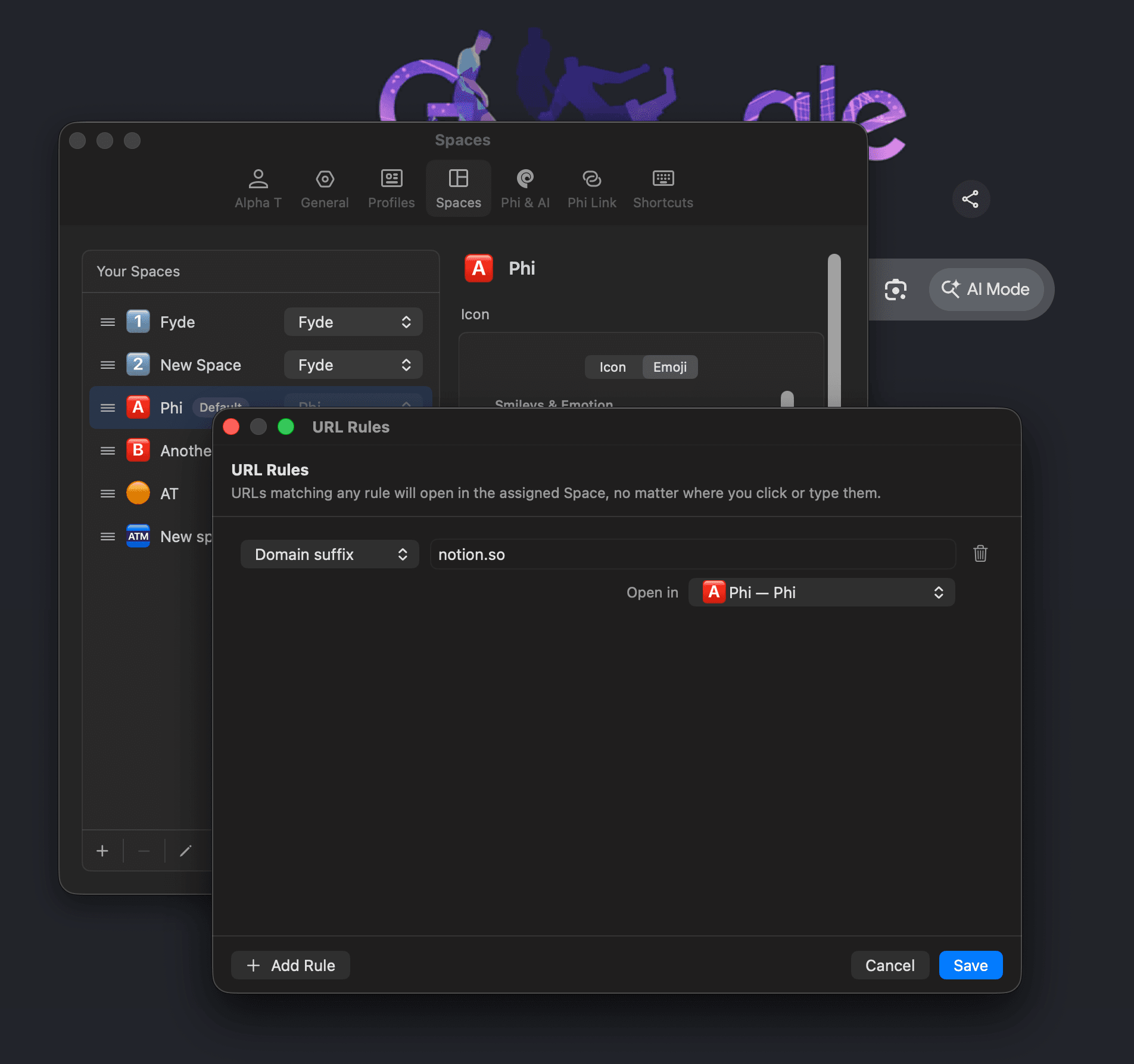
URL Rules complete the picture. Tell Phi where a site should live (say, Notion always in your work Space, on that Space's Profile) and every link to it lands exactly there, instead of somewhere confusing.
If you are coming from the Arc era, all of this will feel immediately familiar: the same underlying idea, with an interaction we think has grown up a little. And it works across all three of Phi's UI layouts, whether you live in the left sidebar or remain a proud tabs-on-top traditionalist.
One assistant, the whole browser
Spaces separate your tabs. They do not slice your assistant into six smaller assistants. Phi's AI belongs to the entire browser: when you ask it to, Phi Agent can see and work across every Space and every Profile, carrying the full context and memory of your browser instance. That hierarchy is deliberate. Spaces and Profiles organize the browser, and your assistant sits above them, more capable and more overarching.
The assistant is getting an intelligence upgrade in 2.0 as well. It now draws on much fuller context when it answers you or executes a task: your memory, your browsing history, your past interactions with the assistant, and the external data sources you have connected to Phi. Basically, it is more clever. A great deal of rewiring happened behind the scenes to make this possible (I will spare you the details), and we will keep iterating on it, so hopefully the experience of using AI in Phi gets better and better.
One example. If you are ever confused about how to make the most of Spaces and Profiles, just ask your assistant. It knows everything about Phi Browser now.
AI Guardrail, now running on your Mac
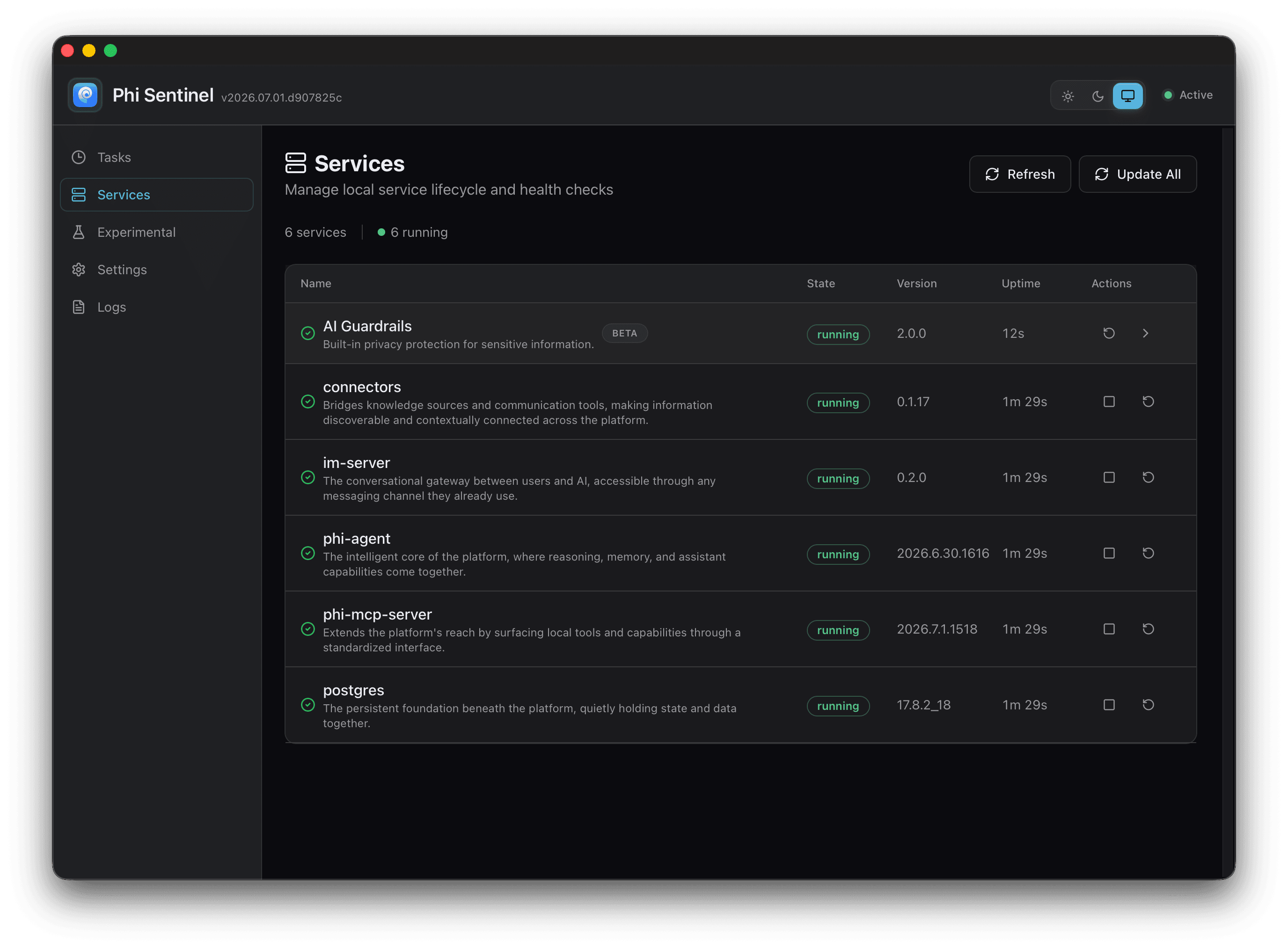
2.0 also carries a lot of invisible work, ground-up refactoring across the browser, and one piece of it deserves its own mention. Data security and user privacy have been paramount in building Phi from day one. The AI Guardrail is the layer that filters sensitive personal information out of memory processing and other AI requests. It used to run remotely, on our AI gateway. It now runs locally, as a service you can see for yourself inside Phi Sentinel. Your sensitive data is filtered on your Mac, before anything leaves it.
Memory, meet Nebula
Memory got a round of performance work and a new face: Nebula. It is a new way to visualize your memory, in the same family as the Memory Galaxy you know, but the connections are more vivid and a great deal more interesting to watch. You can see how your memory entities link up, cluster, and influence one another. I have already lost a few minutes just staring at mine. Go have a play, and tell us what you think. It is being improved constantly.
Widgets, out of the lab
New Tab Page widgets have graduated. These are not regular widgets: each one is a mini artifact, generated from what you ask for and what Phi understands about your intention. In 2.0 the widget engine has matured to a production state, and widgets are available to every user. Describe what you want on your start page, and Phi builds it.
Tabs, tidied
The 1.x era brought Tab Groups and Split View, because we all share one pain point: discovering, some time after the fact, just how many tabs we have open. In 2.0 we sanded off their rough edges, in the source code and in the experience. And there is one new button we suspect you will love: press it, and AI sweeps your open tabs into Tab Groups by topic and by what you were actually doing.
One more thing: bring your agents
This one is not in today's build. It is where the 2.0 era is heading, and it matters enough to say out loud now. We will be introducing the ability for your other agents to control Phi Browser: Claude Code, Codex, whichever agent already runs your workflows. Today, an agent that needs a browser spins up a headless Chrome (technically a browser, spiritually a void). We think you and your agent should work on the same plane: the same window, the same view of the web, where you can watch what it does, show it how a thing is done, and keep granular control over what it can and cannot see or use inside your browser. That is the manifesto of the 2.0 era: browsing as something you and your agents do together, in the open.
Still Phi Browser
Underneath all of this, 2.0 is still Phi Browser: a solid, polished, Chromium-based browser for macOS, iterated week after week since April. What has changed is how much of you it can hold. Your Spaces, your Profiles, your memory, your widgets, your questionable number of tabs, and, soon, your agents.
We keep coming back to the same idea: browsing is turning into something you do with company. Today that company is an assistant you named yourself. Tomorrow it will be your other agents too, working beside you on the same plane.
We poured a lot of love into this one. Give it a proper wander, tell us what feels right and what does not (we read everything, usually twice), and bring your agents. Happy browsing.